

SG_Private University_Community Solar
Description
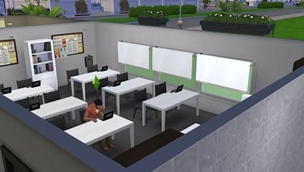
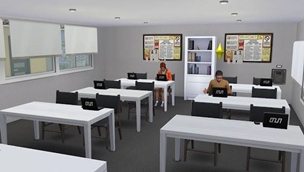
A place designed for your Sims to pursue their dreams, discover their calling, and prepare to take on the world—or, at the very least, to earn the university degree they need to boost their careers.
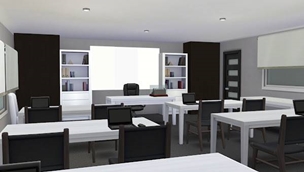
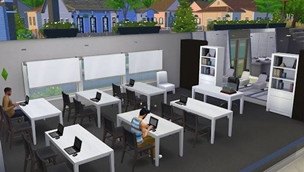
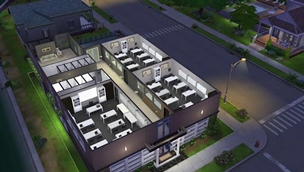
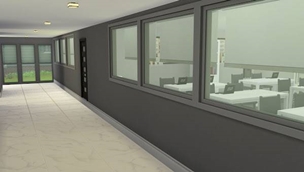
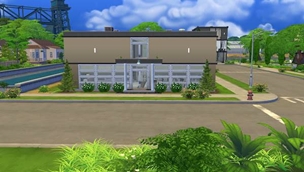
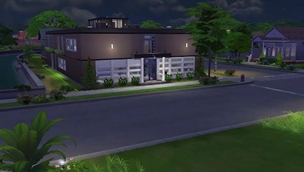
With its modern architecture and bright, light-filled learning environment, Community Solar is a place where new ideas emerge, friendships are forged, and long study sessions put even the most ambitious Sims to the test.
After all, success requires hard work, dedication, and plenty of study hours. But let’s be honest: a good break is always welcome—and in The Sims, staring blankly into space is just as much a part of the academic experience!
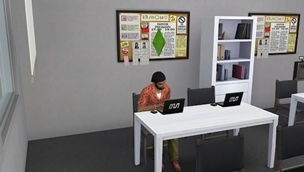
Your bright future begins here. Getting good grades is up to you; getting your Sim to stop playing on the computer during class… well, that’s another story!
What will you find at Community Solar?
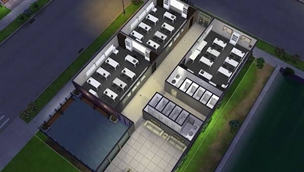
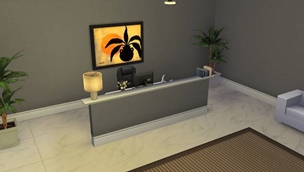
Ground floor: Reception and classrooms
The starting point for campus life. Here, students can get their bearings, find information, attend classes, and make a quick dash to the restroom between lessons. Everything they need to get their academic journey off to a great start—provided they remember which classroom they’re supposed to be in!
First floor: Classrooms and lounge areas
A space dedicated to learning, but also to recharging between classes. It features more classrooms, a cozy lounge with comfortable sofas, and a terrace where students can relax, chat with friends, or review their notes before an upcoming exam.
Restrooms are also available—because no university experience should turn into an unnecessary test of endurance.
Community Solar: a place to learn, grow, and build your future, one class at a time.

How to install everything
1. Download the ZIP file.
2. Unzip it.
3. Copy all the lot files into the "Tray" folder—not the "Mods" folder.
4. Launch The Sims 4.
5. Go to the Gallery → My Library.
6. Search for the name of the lot. (To be safe, make sure to check the "Include Custom Content" box.) The standard folder location is:
Documents\Electronic Arts\The Sims 4\Tray
Meanwhile, .package and .ts4script files go into the Mods folder.
Script files cannot be placed more than one subfolder deep.