
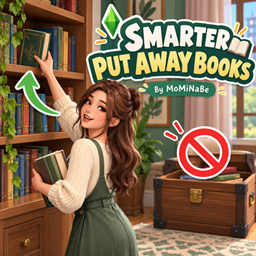
Smarter Put Away Books – Sims Stop Putting Books in Storage Chests
Description
Tired of Sims putting books into storage chests after reading?
In The Sims 4, Sims sometimes autonomously put books away in storage chests, making books harder to find and creating unnecessary frustration.
Smarter Put Away Books fixes this annoying behavior by preventing Sims from autonomously putting books into storage chests.
A small but helpful quality-of-life improvement for a more organized household!
✨ Features
📚 No More Autonomous Book Storage in Chests
- Prevents Sims from autonomously putting books into storage chests.
- Helps keep books from unexpectedly ending up in storage containers.
- Reduces frustrating book storage behavior during everyday gameplay.
🏡 Keeps Existing Book Storage Behavior
- Does not change the priority between bookshelves and personal inventories.
- Focuses specifically on preventing unwanted autonomous storage chest interactions.
- Works quietly in the background without requiring player intervention.
💡 Why Use This Mod?
Have you ever searched for a book, only to discover that your Sim had put it away in a storage chest?
This mod addresses that frustrating behavior with a simple, focused fix.
No complicated settings or additional interactions — just one less annoying habit for your Sims!
💚 Support & Feedback
If you enjoy this mod, feel free to leave a comment or share your suggestions!
Your feedback helps me improve existing mods and create more quality-of-life improvements for The Sims 4.