
AnyShift
Description
Hey everyone,
My latest mod is here! I've been wanting to create something like this for a while, and I'm happy to say it's ready to go.
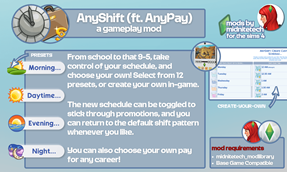
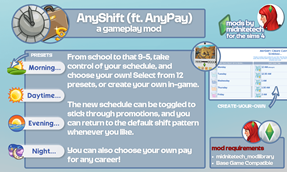
Create your own shift schedules, whatever your career (yes, it works for School and Discover University too), and choose from Morning, Day, Evening, or Night presets.
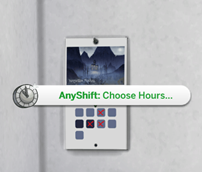
If you don't see a schedule you like, you can easily create your own. Just head to Computer → Career, or Mailbox → AnyShift, or purchase an AnyShift Calendar from Build/Buy. There are also minimal options available under Phone → Business.
Your new schedule stays with your Sim even when they're promoted, and you can disable it or reset it to the career's default settings at any time.
To save the settings you create, a JSON file will be generated in your \Documents\Electronic Arts\The Sims 4 folder. If you find yourself creating the same schedule over and over for your Sims, you can Save Current Schedule as Template, give it a name and an icon, and apply it to others.
You can also Create Extended and Variable Schedules, allowing your Sims to work away for a few days or work different hours on different days. Additionally, there's an option to Add Another Career, meaning your Sim can work multiple different jobs; it's just up to you to ensure their schedules don't conflict.
All the artwork used for the new calendar is official Sims 4 concept art, found here.
New: You can now use AnyPay: Manage Pay to adjust your Sims' hourly rate!
You can check out the full user guide here, complete with FAQ and contact links.