

Minimal prints #1
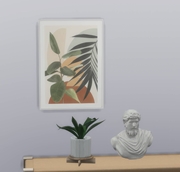
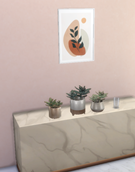
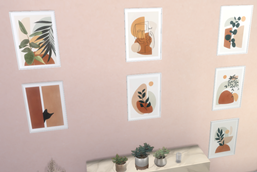
Description
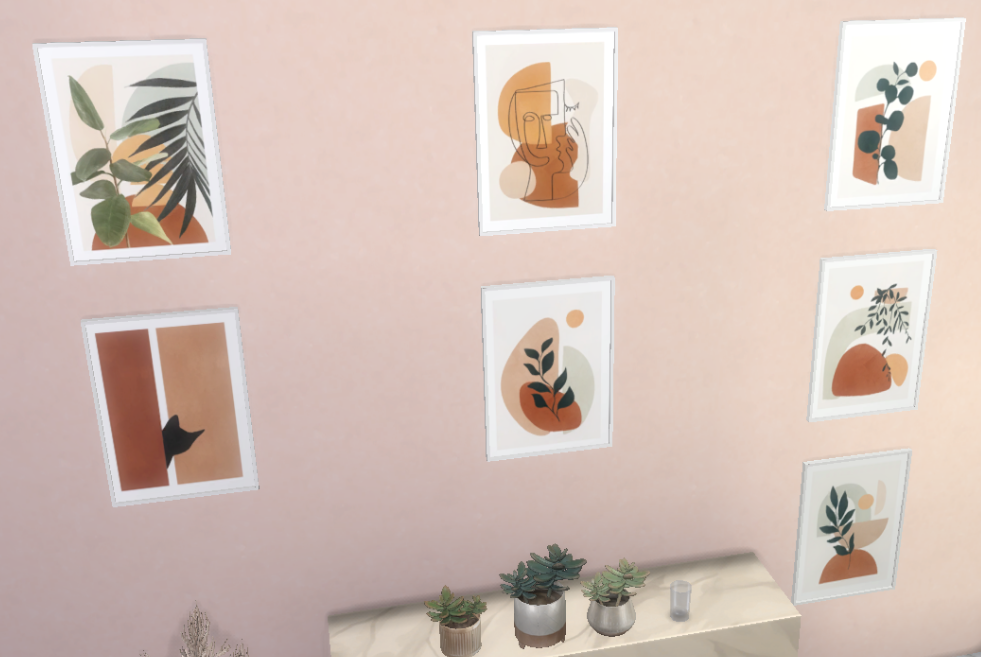
What is included in set:
- Minimal prints #1 (7 swatches)
About:
- Custom thumbnails
- High res textures
- Total of 1 new meshes
- Category: Buy: Wall decoration;
🌞
*Jagged edges - How to fix your Anti-Aliasing (AA) in Sims 4*
For those who use nVidia cards(similar to others):
- Right click on your desktop and access the Nvidia Control Panel;
- Change 3D Settings;
- The Global Settings will show up. Instead, select the Program Settings tab;
- From the list of applications, pick Sims 4;
The settings you will want to change is:
- Anti-Aliasing - mode: Enhance the application configuration;
- Anti-Aliasing - setting: Highest is better but comes with performance cost, so if the game becomes laggy, lower it a bit. It shouldn’t be a problem for good cards though.
- Anti-Aliasing - transparency: Pick whichever *supersample* works the best for you at no performance cost. For me, it's 8x, but it depends on your system.
- Anisotropic filtering - Pick the best your system can handle. Mine is 16x.
That should completely end Sims's AA issues.